Note
Last Train
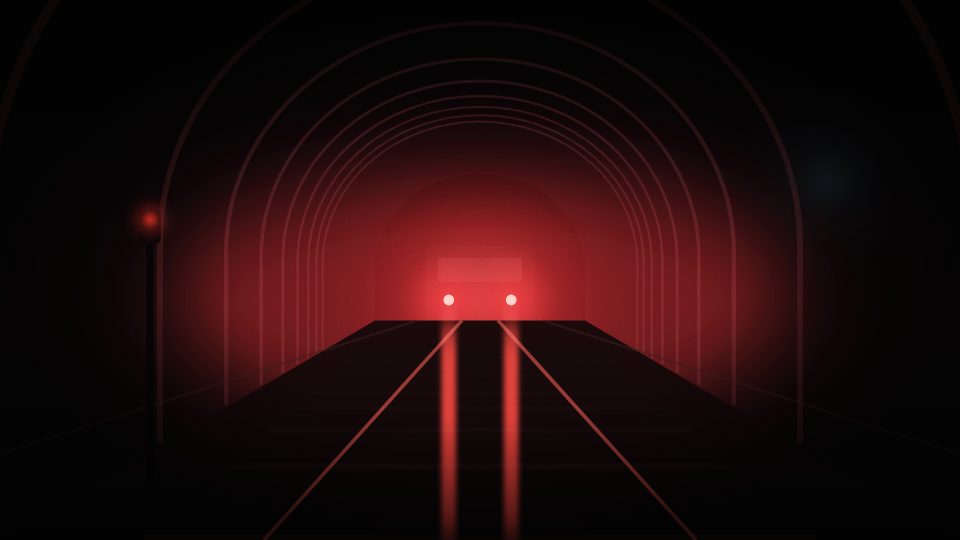
A short film. One night, one platform, the last train out of the city.
Sodium light against wet blue. Long lenses, little camera movement.
Moodboards, storyboards, shot lists, shooting schedules and client review, for people who make films and photographs. Open source, and free on your own server.
A short film. One night, one platform, the last train out of the city.
Sodium light against wet blue. Long lenses, little camera movement.



| # | Size | Move | Lens |
|---|---|---|---|
| 1A | Extreme wide | Static | 24mm |
| 1B | Full | Handheld | 50mm |
| 1C | Medium | Static | 35mm |
| 1D | Medium close-up | Static | 85mm |
| 2A | Wide | Dolly | 32mm |
Central station · call 18:30
Drag the cards, or drag the empty canvas to look around. On a keyboard: Tab to a card, then the arrow keys.Open the full demo →
SC 02Workflow
The storyboard and the shot list are the same data seen two ways, and the schedule plans the days from those same shots. Change a lens in one and the other has it too.
Throw in stills, references, links, notes and colour swatches. Columns, sections and boards inside boards keep it tidy as it grows.


Scenes and frames with shot size, angle, movement, lens, duration, cast and status. Draw on a frame, drop a picture in, or take a still from a video.


The shot list is the storyboard's own data. Filter by scene, cast or status, group and sort, then export a CSV or a PDF.


Drag shots into shooting days and add prep, breaks and moves around them. Each day prints as a call sheet.
Your client opens a link, approves frames or asks for changes, and every decision is kept with who made it and when.
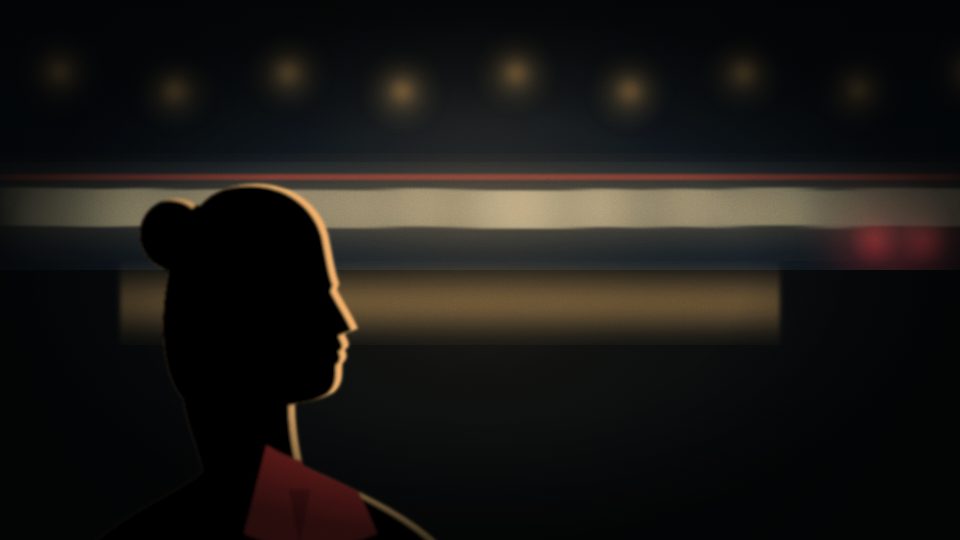
Over her shoulder: the carriages pull away.
The tail lights shrink into the tunnel.
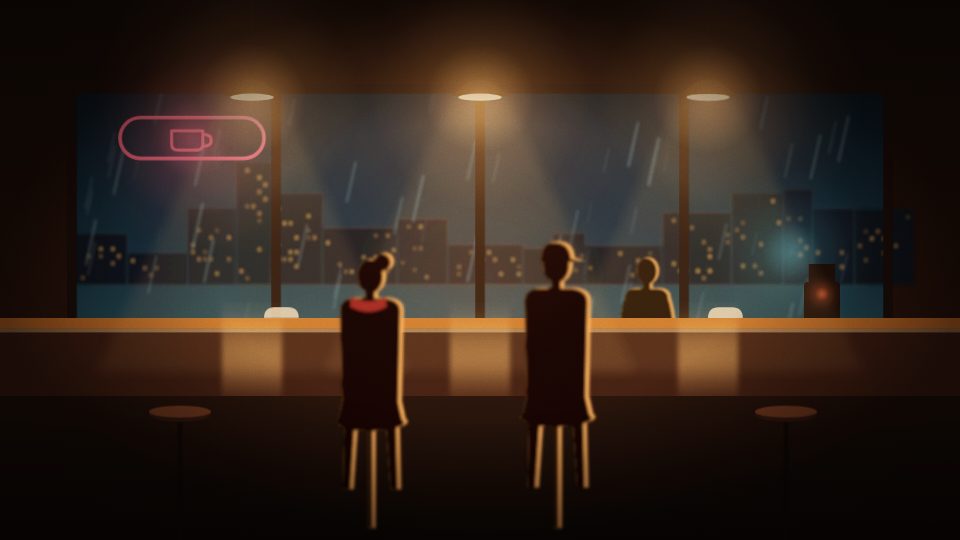
Two strangers, one counter. Rosa pours.

Two coffees and a ticket for a train that has gone.
SC 02ABrowser clipper
Inkadra Clipper is a browser extension that saves pictures, quotes and links from any page to a board on your Inkadra server.
Free, from the Chrome Web Store. Works in Chrome, Edge, Brave and Arc, and needs a server running Inkadra 0.9 or later.


SC 03Client review
We would like to see Rosa’s face when she pours.Changes requested
SC 04Run it
Self-hosting is the whole product and stays free. Cloud will sell the convenience, never extra features.
One Docker image for amd64 and arm64, with Postgres and Valkey next to it. No feature gates, no seat limits, no telemetry.
# Get the compose file and the settings
$ mkdir inkadra && cd inkadra
$ curl -fsSLO https://raw.githubusercontent.com/inkadra/inkadra/main/compose.yaml
$ curl -fsSL -o .env https://raw.githubusercontent.com/inkadra/inkadra/main/.env.example
# Generate the secrets, set the address
$ sed -i "s/^AUTH_SECRET=.*/AUTH_SECRET=$(openssl rand -hex 32)/; s/^POSTGRES_PASSWORD=.*/POSTGRES_PASSWORD=$(openssl rand -hex 16)/" .env
$ sed -i "s#^PUBLIC_URL=.*#PUBLIC_URL=http://localhost:3000#" .env
# Start it, then open http://localhost:3000
$ docker compose up -d --wait
Rather not look after a server? The same open-source Inkadra, hosted by us.
Until then, Inkadra runs in the browser on phones and tablets, and installs on the home screen like an app. The phone screens are getting better before 1.0.
SC 05Principles
The server and web app are licensed under the GNU Affero General Public License v3.0. Anyone who hosts a modified Inkadra must share the code.
The self-hosted edition has every feature and stays free. No telemetry. Maps and in-app reports use outside services by default, and you can point them elsewhere or turn them off.
Scenes, frames, shot sizes, lenses, call times. Built for the way a shoot works, not adapted from a whiteboard.
Tools close. When a canvas app shuts down, its users get a few weeks to save their boards, if they are lucky. Every Inkadra project exports as an open, documented zip and imports on any Inkadra server, yours included. Even without Inkadra, the archive is readable.
AGPL-3.0 · server and web appMPL-2.0 · mobile app, clipper, shared packages
last-train.zip
├─ manifest.json
├─ boards/…/elements.json   readable cards
├─ files/                   originals, byte for byte
├─ comments.json
├─ reviews.json             the team's review history
└─ schedule.json
SC 06Questions
Something missing? Ask on GitHub, where every decision is written down.
compose.yaml, set two secrets and run docker compose up -d. The images are ghcr.io/inkadra/inkadra for amd64 and arm64. The self-hosting guide starts from zero and covers domains, HTTPS, reverse proxies, S3, sign-in and backups.Try the demo in your browser, run it on your server today, or wait for Cloud.